Be at MCO two hours before a domestic departure and three before an international one. That still doesn’t tell you what time to leave the house, so put in your departure time and adjust the drive, parking and bags.
Every row is editable. Tap the departure or any duration and the plan recomputes backward. The first travel row is your leave-by time.
Until you know your gate, budget for the longer walk. A far gate at MCO adds a ride before the walk.
Terminal C is JetBlue and most of the international carriers. Everyone else leaves from Terminals A and B, which is where the airside shuttle comes in.
The 25-minute drive is a typical run from Orlando without traffic. In the app, set Orlando International as the destination and Apple Maps fills in the time from where you’re leaving.
Still check traffic for the hour you’ll go (real drive to MCO). Change the row and every step before it moves.
A maps app covers the drive to MCO. Bag drop, security, and the walk to your gate usually take longer, and they are the steps people misjudge.
Here is the same plan drawn to scale. The first block is travel; the next two are the airport. A checked bag grows one, a far gate grows the other.
Front door to boarding: 2hr 41min
Two hours domestic, three international
Ahead of your departure time
At an airport this size, treat those as a floor. They assume a normal day, not a holiday crush or a long security line.
MCO moves theme-park volumes of families, strollers, and once-a-year flyers, and mornings after school-holiday weeks are the heaviest. Terminal C is a separate building from A and B with its own people mover, so Orlando means two separate terminal decisions.
Lines run long because so many travelers here fly rarely. Gates are on airside satellites reached by shuttle trains, so the checkpoint is not the last leg. Airsides 1 and 3 share a west-atrium checkpoint; 2 and 4 share the east, so which atrium you enter decides your line.
The plan allows 30 minutes for a standard lane on a busy but normal morning. With TSA PreCheck, that drops to 15 minutes. A checked bag lengthens the one before it.
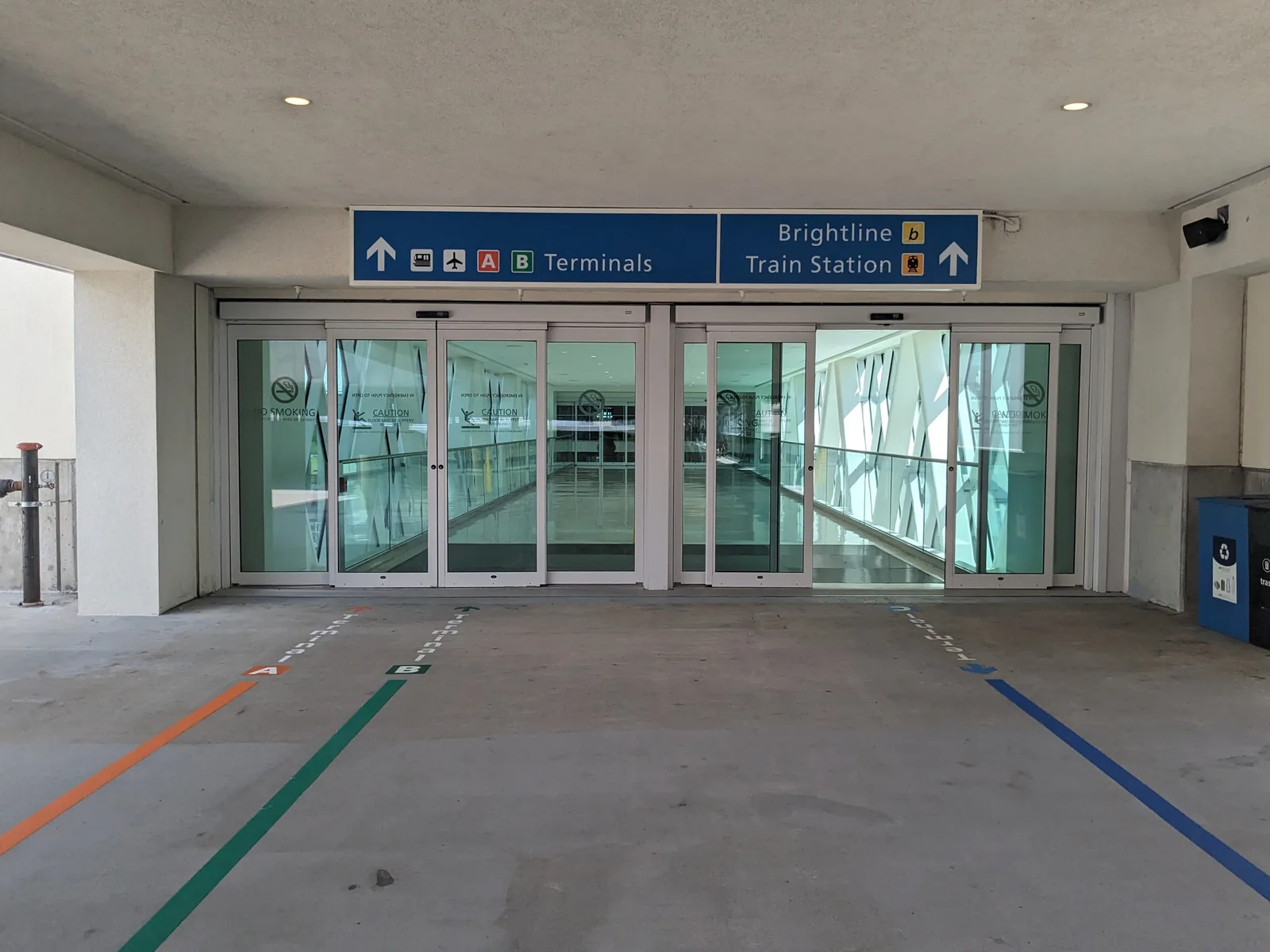
From the parks corridor, I-4 and the 528 are the usual route and both congest at checkout time. Returning a rental car happens at the airport garages, which is convenient but still a scheduled step with a shuttle-less walk. Brightline runs into the Intermodal Terminal beside Terminal C, which is the one arrival here that never touches I-4.
For live waits, parking, and terminal maps, check the official MCO site.
Terminals, checkpoints and transit change; the official MCO site is the live source.
Be at MCO two hours before a domestic departure and three before an international one. At an airport this size, treat those as a floor. They assume a normal day, not a holiday crush or a long security line. The plan above works back from there through security, bag drop, parking and the drive to a leave-by time.
The plan allows 30 minutes for a busy-but-normal standard lane. With TSA PreCheck it drops to 15 minutes, and you can edit either one to what you actually see. A checked bag lengthens the step before it. Checkpoint detail for MCO is in the section above.
Earlier than for a domestic one. International boarding starts 45 minutes before departure instead of 30, which pulls every step earlier. Use the airline desk for bags: documents get checked and counters often close an hour out. That also covers lap infants, unaccompanied minors, and oversized bags. If your boarding pass names a boarding time, match that.
Work backward from departure: boarding, time at the gate, the walk, the ride out to your concourse, security, bag drop, parking, then the drive (25 minutes in the default plan). Replace the drive with your own route. The leave-by moment is the first travel row, "Drive to MCO" by default.
Taking the train instead? The Amtrak station pages use the same kind of plan without security. The leave time calculator works for any appointment, and the wake-up time calculator runs it back to the alarm.
Two hours early still leaves the morning open: when to pack, when to leave. The plan keeps subtracting past the drive until it lands on a start time. Ready Time saves that chain and alerts you at each step, and can pick the flight up from your calendar.
Get a nudge at the right moment, while there's still time to act.
Each step gets its own alert, so you know what's next and how long you have.
“It has helped me tremendously to manage my timeblindness, and I tell people about it all the time.”Ready Time user, 2021
Plans for the rest of the trip
Other airports