
How early should I get to HOU?
Be at HOU two hours before a domestic departure and three before an international one.
Be at HOU two hours before a domestic departure and three before an international one.
Want this on your phone? Ready Time sends an alert when it’s time to start each step.

Ready Time
You know what you need to do. Ready Time helps you know when to start.

A maps app covers the drive to HOU. Bag drop, security, and the walk to your gate usually take longer, and they are the steps people misjudge.
Here is the same plan drawn to scale. The first block is travel; the next two are the airport. A checked bag grows one, a far gate grows the other.
Front door to boarding: 2hr 20min
Be at HOU two hours before a domestic departure and three before an international one. That is a solid default here. Trim it only on routes and hours you already know well.
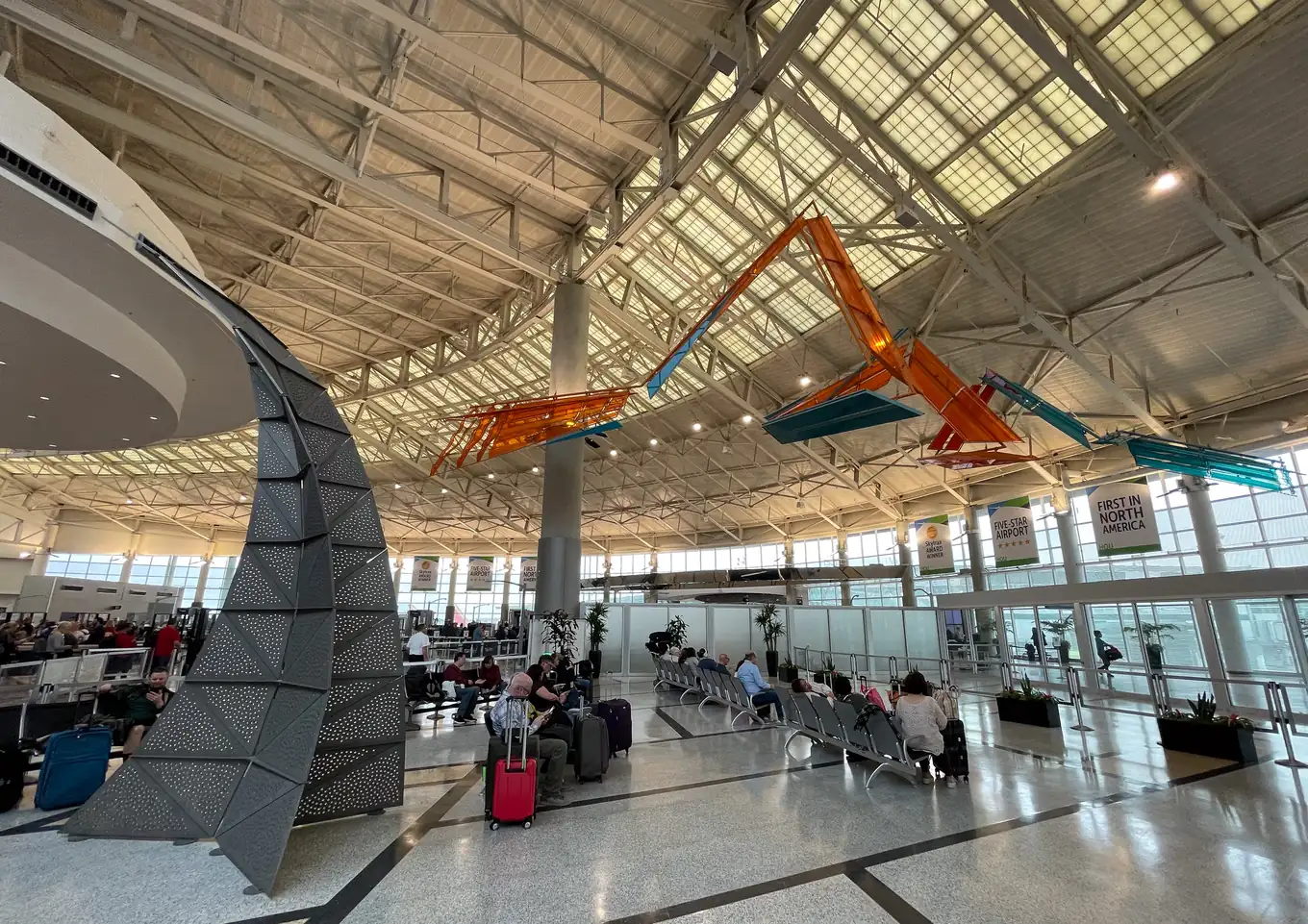
Hobby is the close-in Houston airport and a Southwest hub, and it asks for the standard two hours domestic, three international. It is a single terminal with two concourses, Central and West, behind one checkpoint, so the plan has no train and no terminal transfer in it. The West Concourse is under expansion through 2027, with construction along the departures curb and in baggage claim, so the front of the building is busier than the gate count suggests.
One central checkpoint feeds both concourses, which keeps the flow simple and also means there is no second line to move to when it backs up. CLEAR runs from 4:30 AM; PreCheck lanes are in the same checkpoint. Southwest's check-in is on the west side of the ticketing level and every other airline's on the east, and the West Concourse gates (Southwest domestic and international) are the longer walk from security.
The plan allows 25 minutes for a standard lane on a busy but normal morning. With TSA PreCheck, that drops to 15 minutes. A checked bag lengthens the one before it.
The airport is just off I-45 south of downtown, so the drive is short from the loop and longer from the west side and the Woodlands at rush hour. METRO's 500 Downtown Direct runs nonstop from the convention center every half hour until 8 PM and stops at curb zone 3.
The Red and Blue garages are next to the terminal and a walk in; ecopark is a shuttle. Rental cars are off the terminal too, with a courtesy shuttle from curb zone 1, so the return is a shuttle ride.

For live waits, parking, and terminal maps, check the official HOU site.
Terminals, checkpoints and transit change; the official HOU site is the live source.
Be at HOU two hours before a domestic departure and three before an international one. That is a solid default here. Trim it only on routes and hours you already know well. The plan above works back from there through security, bag drop, parking and the drive to a leave-by time.
The plan allows 25 minutes for a busy-but-normal standard lane. With TSA PreCheck it drops to 15 minutes, and you can edit either one to what you actually see. A checked bag lengthens the step before it. Checkpoint detail for HOU is under Security at HOU above.
Earlier than for a domestic one. International boarding starts 45 minutes before departure instead of 30, which pulls every step earlier. Use the airline desk for bags: documents get checked and counters often close an hour out. That also covers lap infants, unaccompanied minors, and oversized bags. If your boarding pass names a boarding time, match that.
Work backward from departure: boarding, time at the gate, the walk, security, bag drop, parking, then the drive (20 minutes in the default plan). Replace the drive with your own route. The leave-by moment is the first travel row, "Drive to HOU" by default.
Taking the train instead? The Amtrak station pages use the same kind of plan without security. Flying from somewhere not listed? The airport leave time calculator has the same rows with your own numbers, and the wake-up time calculator runs it back to the alarm.
Start the plan in the app, and the Lock Screen and Dynamic Island show the time left, with a bar that fills as each step passes.
Glance at it in the terminal without opening the app.
Every step also gets its own alert, and sharing the plan gives whoever is driving the same leave time, with alerts on their phone.
Live Activities are part of Premium, a one-time unlock.
Ready Time
You know what you need to do. Ready Time helps you know when to start.

Plans for the rest of the trip
More on being ready on time